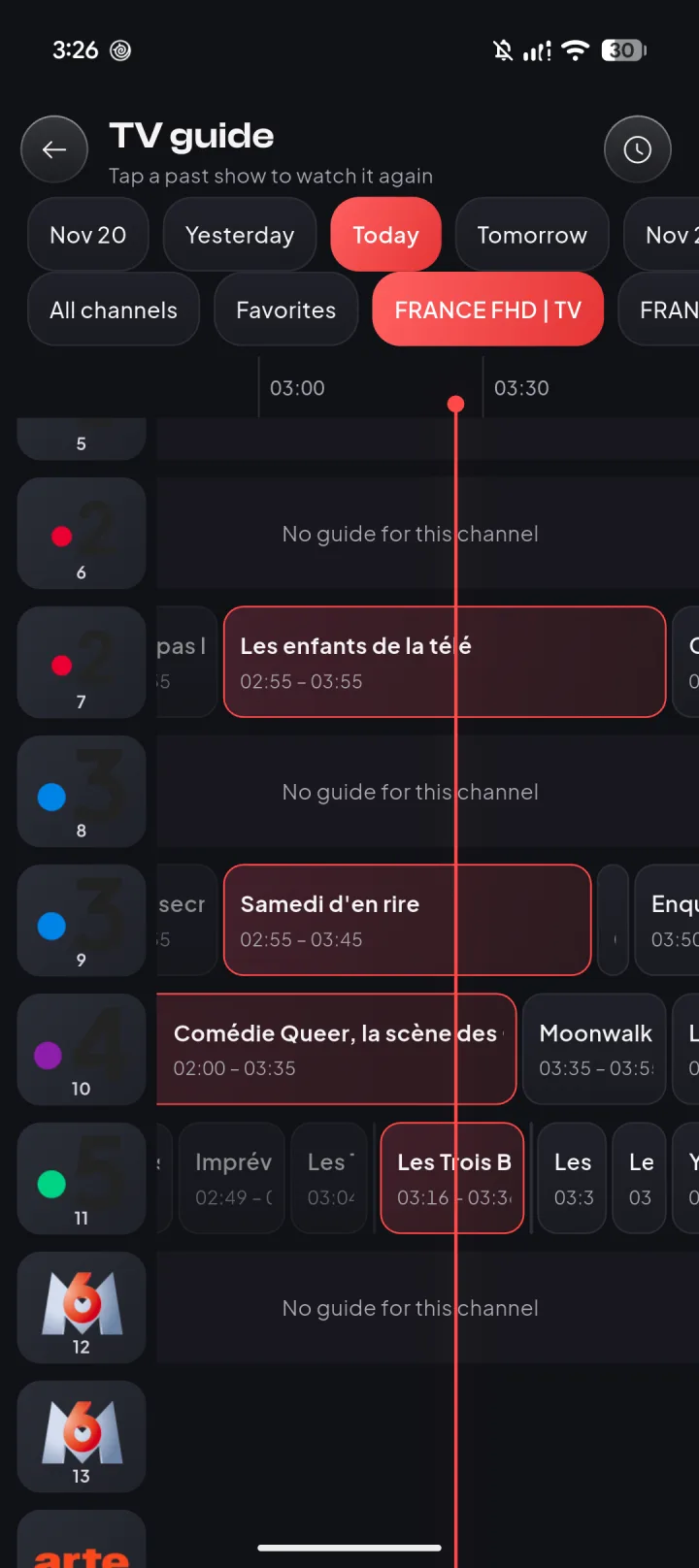
TV guide & Catch-up
Now, next and the past days, on channels your provider records.
The IPTV player for Android that opens huge playlists in a blink. Bring your M3U or Xtream login, then go Pro for Catch-up, the full TV guide and Chromecast.
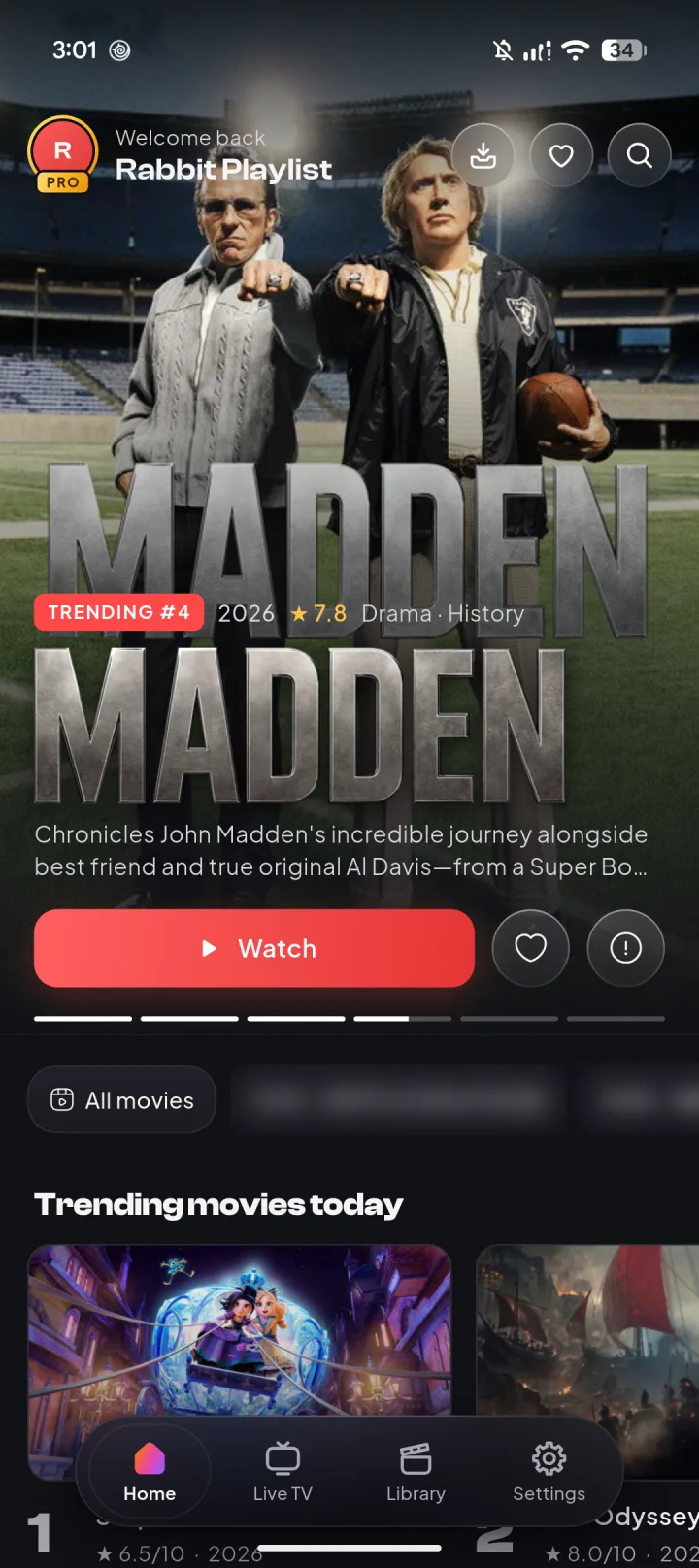
Made for 126,000+ titles. From one small M3U link to the biggest Xtream panels, and it stays smooth.
Works with
Pro adds
Everything a good TV app should do, on the playlist you already have.
Now, next and the past days, on channels your provider records.
Send what you're watching to your TV, or save it for offline, where your provider allows.
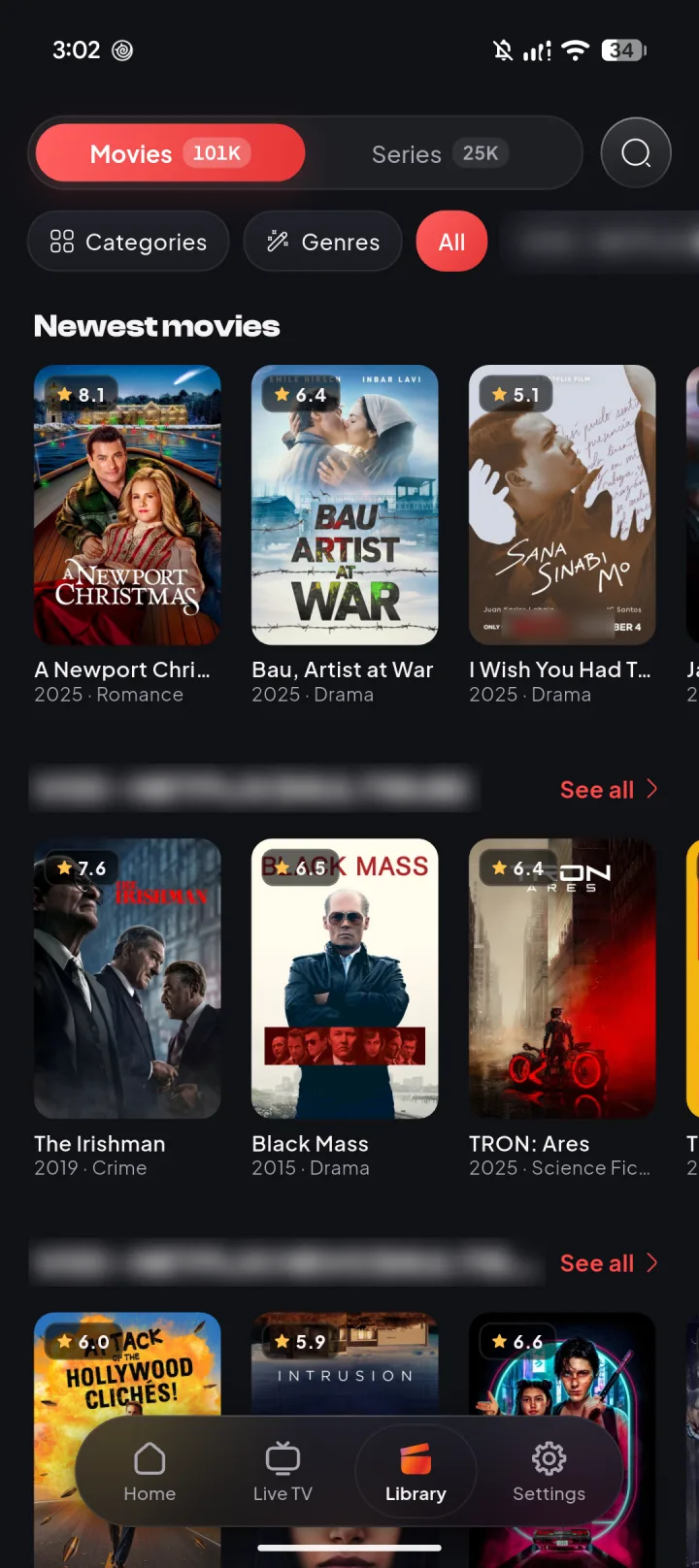
Movies and series load in pages, so huge lists stay smooth.
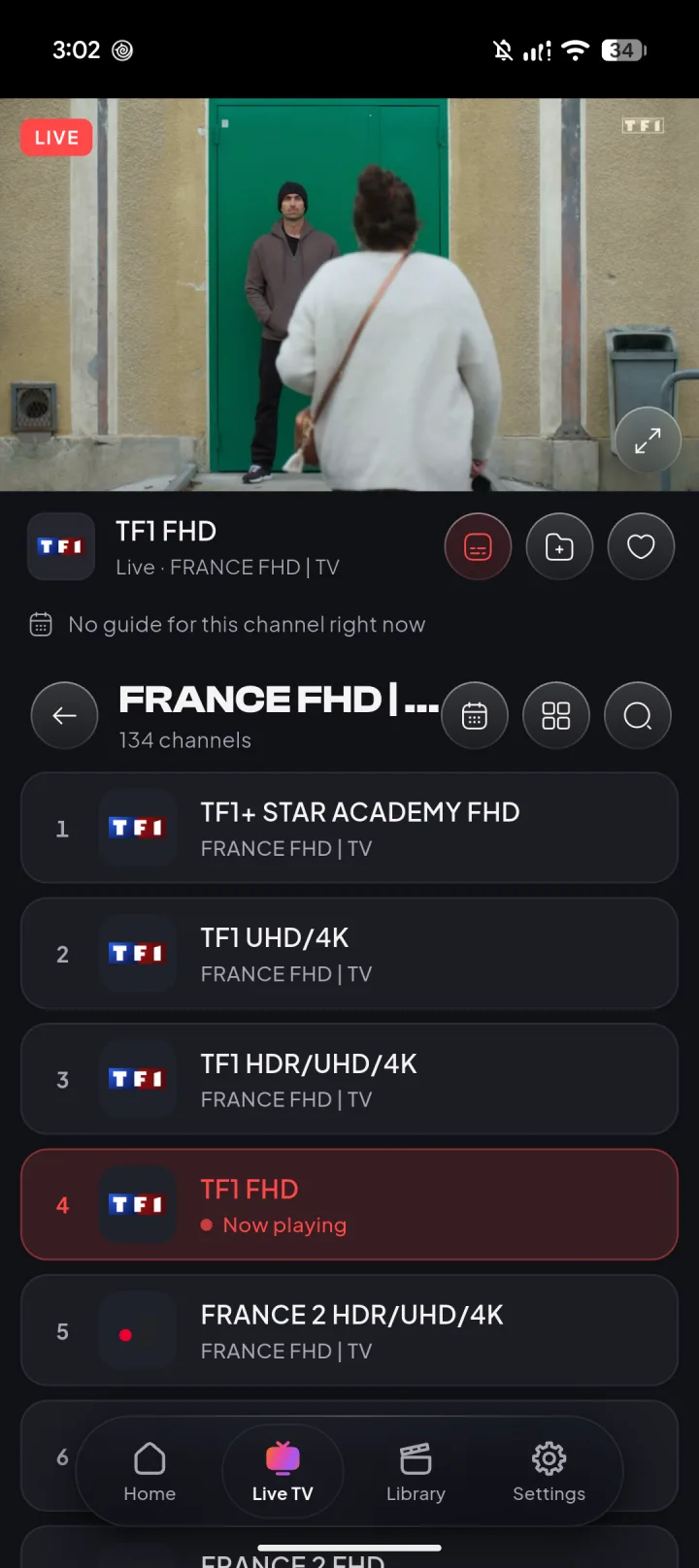
Channels by group, with what's on right under the player.
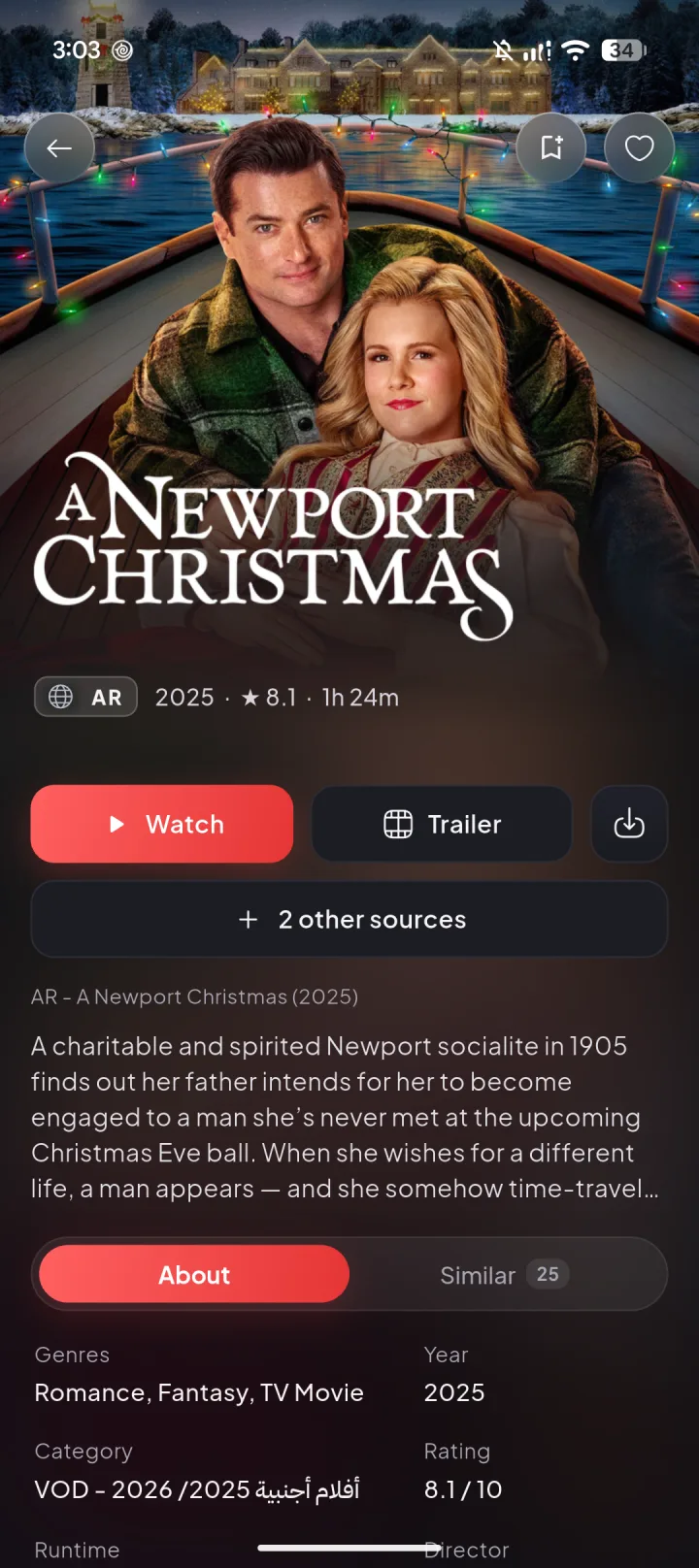
Ratings, trailers, cast and every source your provider has.
Links, files and Xtream logins. If a provider acts up, it tries another way in.
Saved on this phone
Encrypted · No account · No ads
Playlists, logins and history stay on your phone, encrypted.
Good evening, here's the news
Translated subtitles for any channel, with your own Gemini key.
English, Arabic, French, German, Spanish and Portuguese.
No account and no setup headaches. Your playlist, your phone, done.
Add playlist
My provider
http://your-provider/get.php?…
Library ready
Step 1
Paste the M3U link or Xtream login from your provider. Your library is ready in moments.
RabbitPlayer Pro
Your RabbitPlayer ID
RP-7K2Q-9XMD-41TB
Continue to payment
Step 2
Checkout opens with your RabbitPlayer ID filled in. Pay by card, PayPal and more through Paddle.
Pro is on
Step 3
Pro turns on within seconds: Catch-up, the full TV guide, Chromecast and the rest.
¹ Uses your own Google Gemini API key. ² Where your provider offers it.
Every Pro feature in every plan. Prices in US dollars; your local price and taxes show at checkout.
Every Pro feature for half a year.
$6.99/ 6 months
$1.17 a month
Get 6 monthsThe best value. Our most popular plan.
$9.99/ year
Just $0.83 a month
Get YearlyOne payment. Every future Pro feature.
$22.99once
Pay once, Pro forever
Get LifetimeTry Pro risk-free: full refund within 14 days, no questions asked.
More answers, from finding your RabbitPlayer ID to cancelling, in Help & support.
No. RabbitPlayer is a player only: it provides no channels, movies, series or subscriptions. You add a playlist from your own provider (an M3U link, an Xtream Codes login or an M3U file). You can try the app with its built-in demo playlist of free, legal streams.
Tap "Get Pro" in the app: the secure checkout opens with your RabbitPlayer ID already filled in. Pay, go back to the app, and Pro turns on within seconds. You can also start here: your RabbitPlayer ID is in the app under Settings.
You choose. The 6-month and yearly plans renew until you cancel, and you can cancel anytime from the link in your receipt email; Pro stays on until the end of the period you paid for. Lifetime is one payment with no subscription.
Ask for a full refund within 14 days of your purchase, for any plan, no questions asked. Use the link in your Paddle receipt or write to us.
Checkout is handled by Paddle, our Merchant of Record, which also takes care of taxes and receipts. You can pay by card and, depending on your country, PayPal, Apple Pay or Google Pay. We never see your card details.
Pro is linked to your phone's RabbitPlayer ID, which stays the same when you reinstall on the same phone. On a new phone or after a factory reset, write to us with your receipt and we'll move Pro to your new ID.
Free to download, with no account and no ads. Add your playlist in seconds, and go Pro whenever you like.
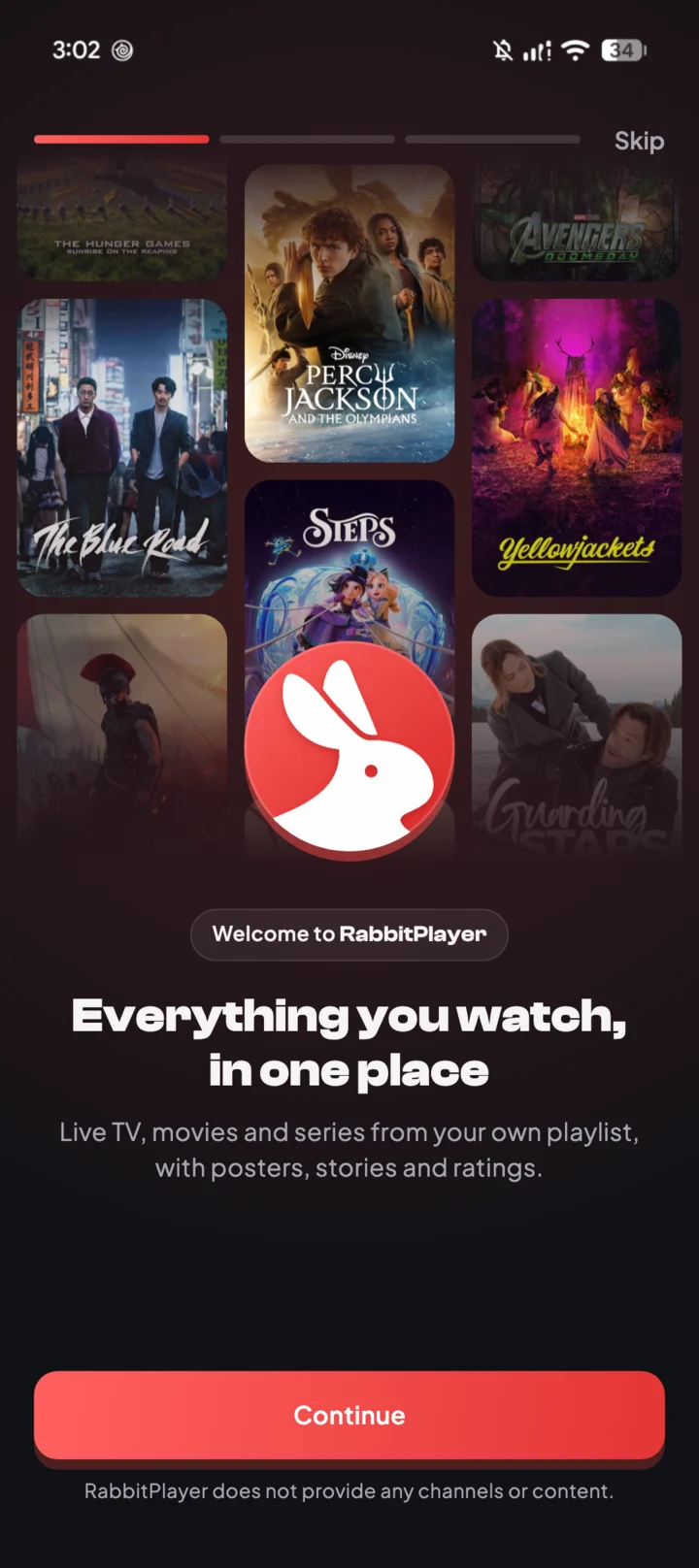
Pro turns on in seconds, and you can get a full refund within 14 days.